安装WSL2#
运行安装命令#
打开Powershell,运行如下两条命令
powershell
dism.exe /online /enable-feature /featurename:Microsoft-Windows-Subsystem-Linux /all /norestart
dism.exe /online /enable-feature /featurename:VirtualMachinePlatform /all /norestart
wsl --set-default-version 2重启电脑#
应用相关更改
安装想要的子系统#
查看所有系统选项#
text
wsl --list --online 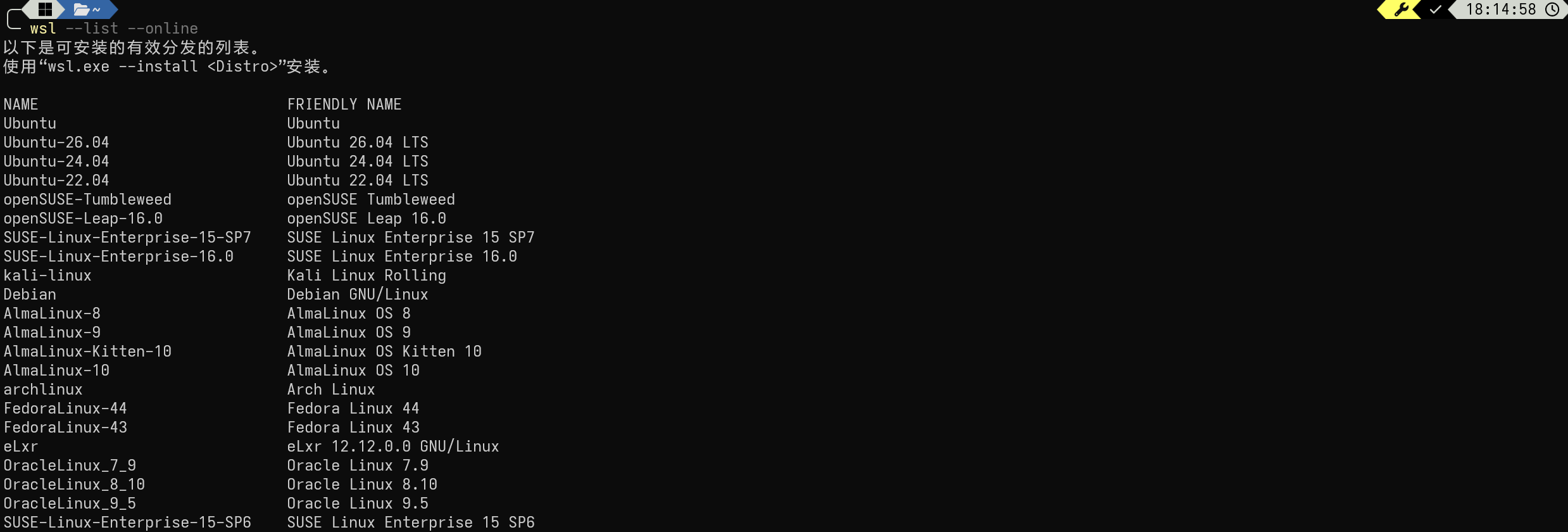
我们这里选择Ubuntu-24.04
安装Ubuntu-24.04#
powershell
wsl --install Ubuntu-24.04 
进行用户名以及密码设置#

成功进入Shell#

迁移Ubuntu至新盘#
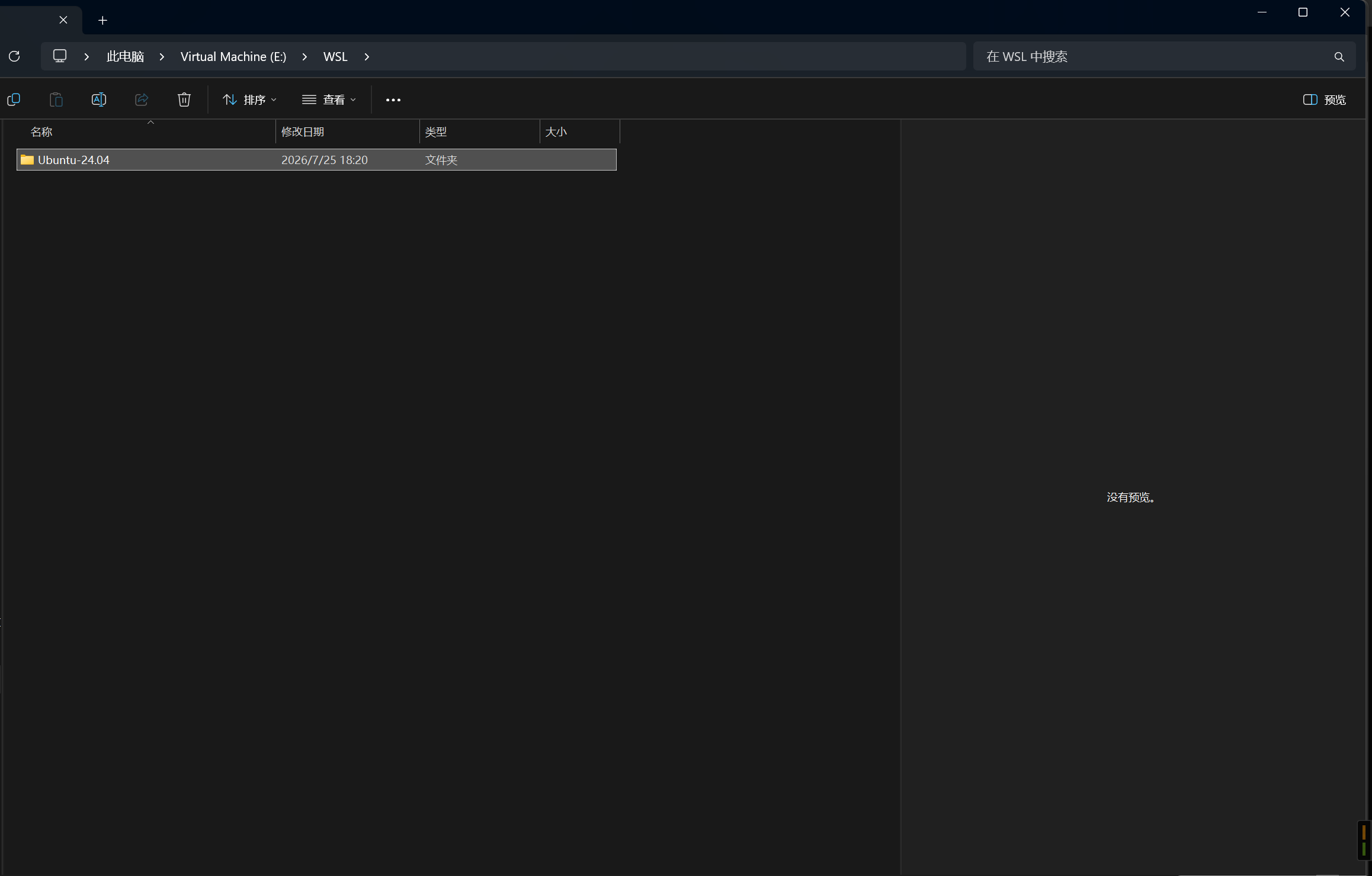
在E盘创建文件夹#
此处以E:\WSL\Ubuntu-24.04为例
运行导出命令#
powershell
wsl --export Ubuntu-24.04 D:\WSL\Ubuntu-24.04\Ubuntu-24.04.tar
取消注册原有的 Ubuntu-24.04#
powershell
wsl --unregister Ubuntu-24.04重新导入Ubuntu-24.04#
powershell
wsl --import Ubuntu-24.04 E:\WSL\Ubuntu-24.04 E:\WSL\Ubuntu-24.04\Ubuntu-24.04.tar --version 2